Skip to content

Visual Tour ​

These screenshots show the current forcePomo web app while signed out, with no personal projects, memos, or Calendar data displayed. The remaining time and available actions change automatically with the current half-hour block.

Focus at a Glance ​
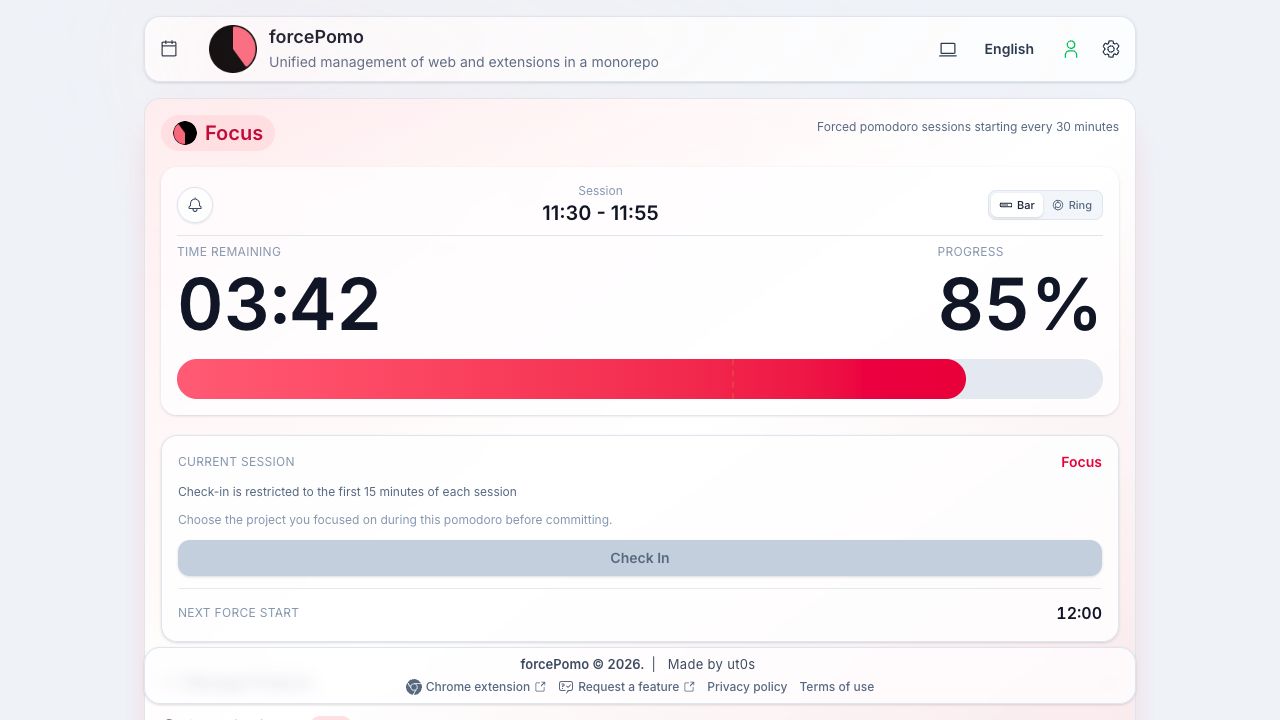
forcePomo web app showing the current focus session, remaining time, progress bar, and check-in state
The web app keeps the current session, remaining time, progress, and next start together in one view.

A Compact Side-Panel Workflow ​

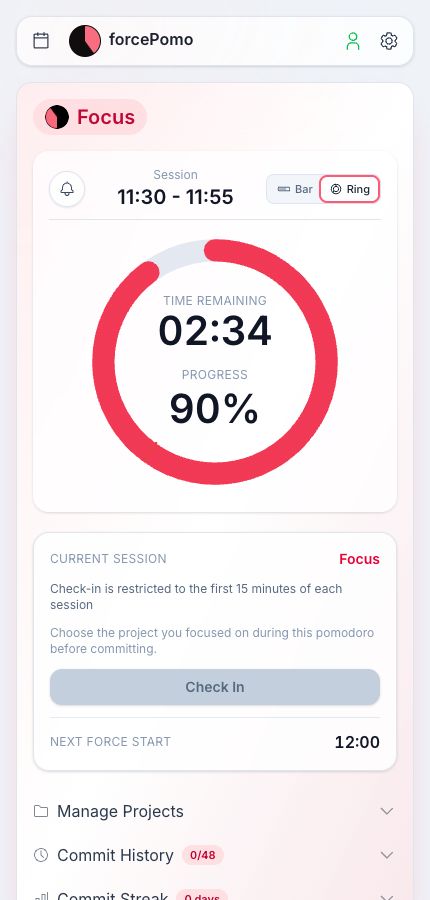
The same interface adapts to a narrow window, making it suitable for an installed PWA or a Chrome side panel. Project management, commit history, and streaks remain directly below the timer.
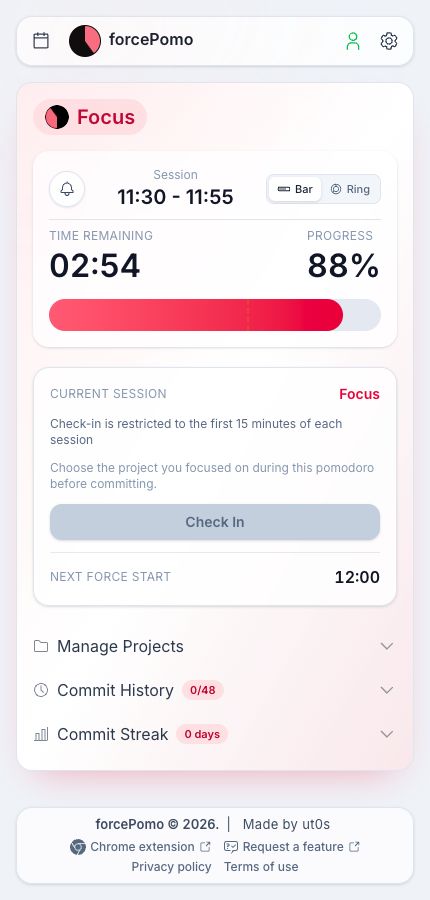
Compact forcePomo layout using a horizontal focus progress bar
Bar view emphasizes remaining time and overall progress.
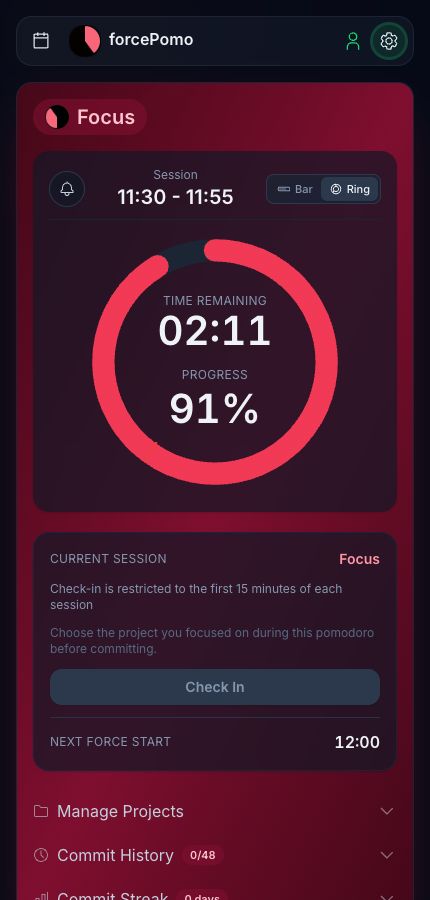
Compact forcePomo layout using the circular progress ring
Ring view puts the countdown at the center of the session.

Personalize the App ​

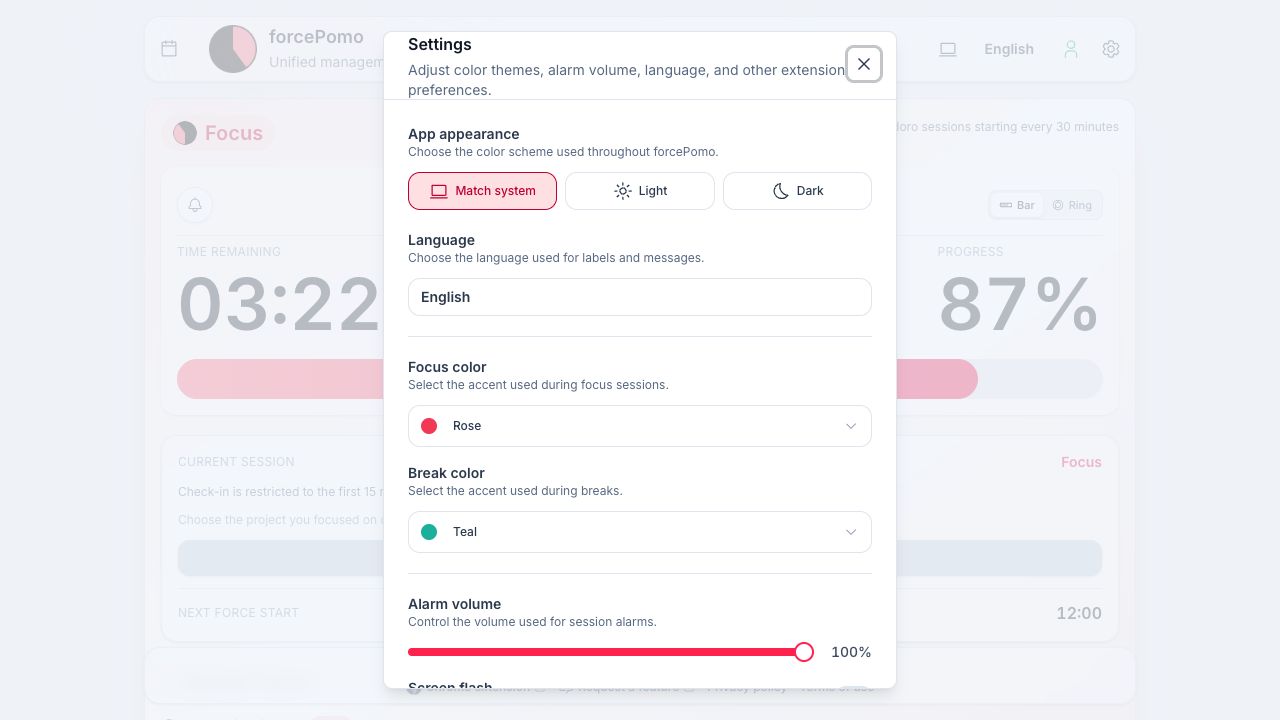
forcePomo settings showing appearance, language, focus color, break color, and alarm volume controls
Settings cover appearance, language, phase colors, audio, notifications, Drive sync, and backup controls.

Light and Dark Themes ​

forcePomo circular progress in the light theme
Light theme
forcePomo circular progress in the dark theme
Dark theme with the same focus color

Ready to try it? Continue with Getting Started, then open the forcePomo web app.